AI-powered Development
No code and leveraging Copilot to design the initial app for you to edit and improve later as you want. So, instead of getting caught up in technical intricacies, focus on what matters: problem-solving and delivering results.

There is nothing to worry about, extensions, tables, code, or even a sketch will work with Power Apps. There is the hype of AI, and we all expect it to transform the business magically. So, it is time to ditch the boring method of building apps and choose a quick and low-code platform.
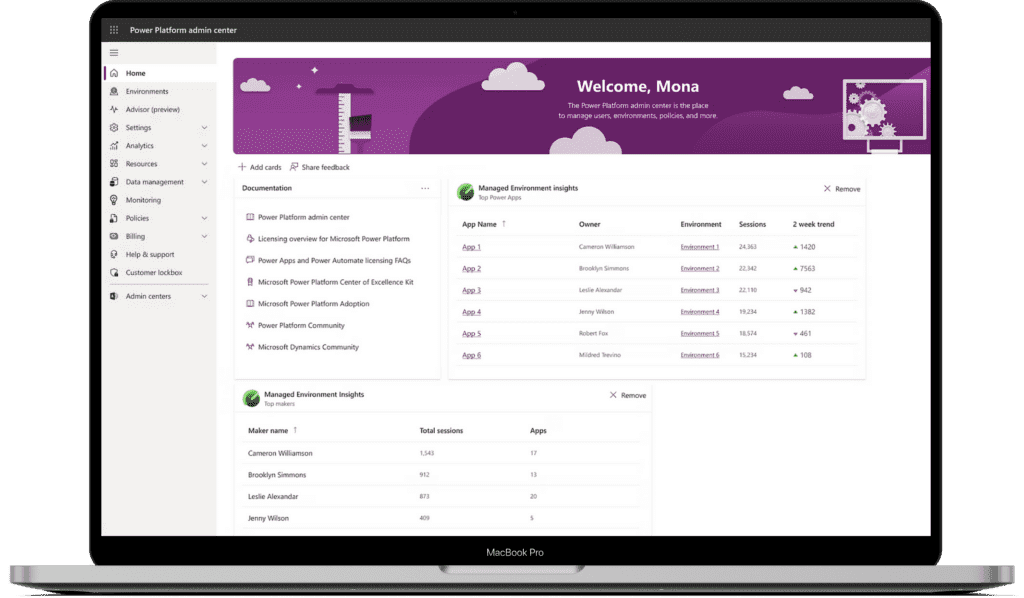






Microsoft Power Apps
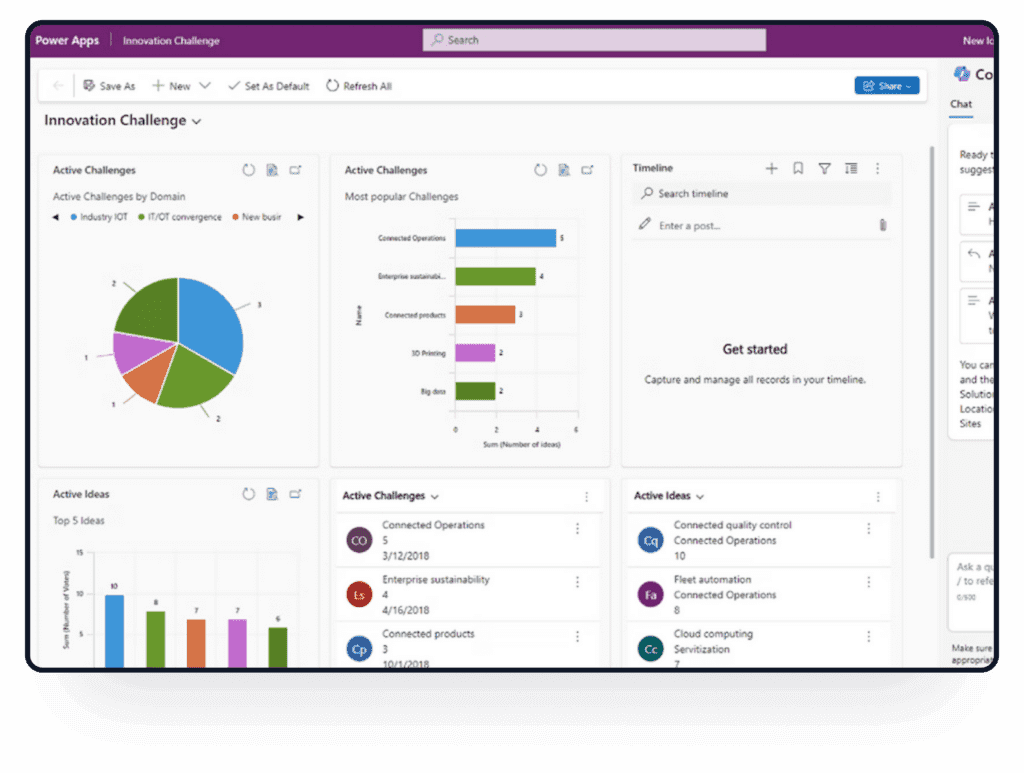
Businesses are not always a practice for coders or developers; most people are cluttered about coding. Power Apps is the aid to those business managers. They can create custom apps to solve many business problems. Just a simple brief. The platform allows you to create apps quickly and easily.
Use the drag-and-drop features to customize it for your business aspects. It gives your teams a faster way to solve simple and complex business problems without depending on traditional development for every app.
No code and leveraging Copilot to design the initial app for you to edit and improve later as you want. So, instead of getting caught up in technical intricacies, focus on what matters: problem-solving and delivering results.
Get full control and visibility of the apps you built without adding to any IT risks during the deployment. In fact, built-in deployment pipelines can be used to manage access easily to let users build apps while monitoring results.
Do you rely on Microsoft Azure, GitHub, and Visual Studio? Use it with Power apps to custom edit your app. Work with it or low-code language to design and optimise the app as your business requires.
Do you struggle with disconnected data and complex app development? This platform simplifies everything. Connect any data source, manage security automatically, and build beautiful, responsive apps-all with a drag-and-drop interface.
This innovative platform helps you extract deeper insights from data by leveraging pre-built AI models, or you can customise your own with AI Builder. Deploy Copilot seamlessly across desktops, mobile devices, or directly within Teams.
Thanks to the user-friendly UI, which works flawlessly on all devices, you can maintain productivity even when there's no connection. Built-in features like barcode scanning, NFC reading, multimedia capture, and real-time location monitoring help transform physical operations.

You have a canvas, and you can simply drag and drop elements onto it. It further automates the process by connecting data sources to the app via Excel-style formulas. It is easy to customize the apps as you need according to your business logic.
This idea is to create apps based on data models on Dataverse (providing the foundation for the model app's functionality). These apps might have limited functionality and customization but work just fine with complex apps such as customer service or event management apps.

Send out web-friendly forms that you can design using preconfigured templates, forms, and views. Suitable to offer access to the users or employees working outside the firm, such as partners or other members.
Microsoft Power Platform
Building better apps can drive efficiency because Power Apps allows teams to simplify tasks using the Microsoft Power Apps platform and help automate processes.
Simply build using the Microsoft Power Apps platform and find the apps that can help teams work faster. Here are a few use cases of it, especially when comparing Power Apps plans vs Dynamics 365 licensing:
Create simple digital forms that collect, validate and submit business information.
Track employee time, work activity and operational tasks through a practical business app.
Build lightweight CRM tools to manage contacts, customers, follow-ups and relationship data.
Monitor assets, fleet activity, maintenance tasks and operational records.
Create apps for approvals, requests, records, workflows and internal business processes.
Integrations with other apps, such as Microsoft Power Apps for Office 365, ensure automated processes as you get to combine, share, and access insightful data on your hands. Reporting, sharing, and workflow automation have become a convenience for any user, especially with a focus on responsive Power Apps design.
Create applications in Power Apps that provide a variety of reports and dashboards.
Power Automate – Create logic in Power Automate to automate workflows in Power Apps.
SharePoint – In Power Apps, you can extract and store data from SharePoint lists, libraries, or OneDrive, as well as construct apps directly from SharePoint lists.

Starting today, you can find various Power App examples around you. Simply built using the Microsoft Power Apps platform and not by any coder. Here are a few use cases of it, especially when comparing Power Apps plans vs Dynamics 365 licensing
Eforms
Time Tracker
Customer Relationship Management
Fleet Management
Incident Management
Business Management Apps
Valuation Solution
Power app pricing differs as it offers multiple plans. Power Apps Developer Plan and Power Apps Plan Trial are both free, yet they serve different functions: Power Apps Plan Trial allows you to use the Power Apps per user plan for 30 days. This time is reserved for testing out production Power Apps apps. When your trial period finishes, you can purchase a plan.
Power Apps can be used for a variety of operations, including workflow, automation, data visualization and reporting, collaboration, and more. It may include teams, field workers, your management team, and even your consumers. Use cases might range from simple to very complicated.
When you use Power Apps to construct an app that connects to SQL Server, a connection is established. When such apps are published and shared with others, both the app and the connection are distributed to those users.
We'd love to hear from you. Please fill out this form.