Removes the Need for Manual Entry:
This feature eliminates the requirement for manual data input, streamlines processes, and reduces human error in financial transactions.

Simple and easy DHRP banking integration brings all account data under one platform - making banking reports and statements accessible anytime.






Dynamics 365 Add-Ons
A banking connector is a software tool that enables seamless integration between financial systems and online bank accounts, allowing users to automate and streamline banking transactions within their business software. The DHRP Banking Connector is a powerful tool designed to bridge the gap between Dynamics 365 and your online bank accounts, offering seamless global connectivity similar to XERO. With this connector, users can link their bank accounts to Dynamics 365 in just minutes, eliminating the need for lengthy integration projects that can take months.
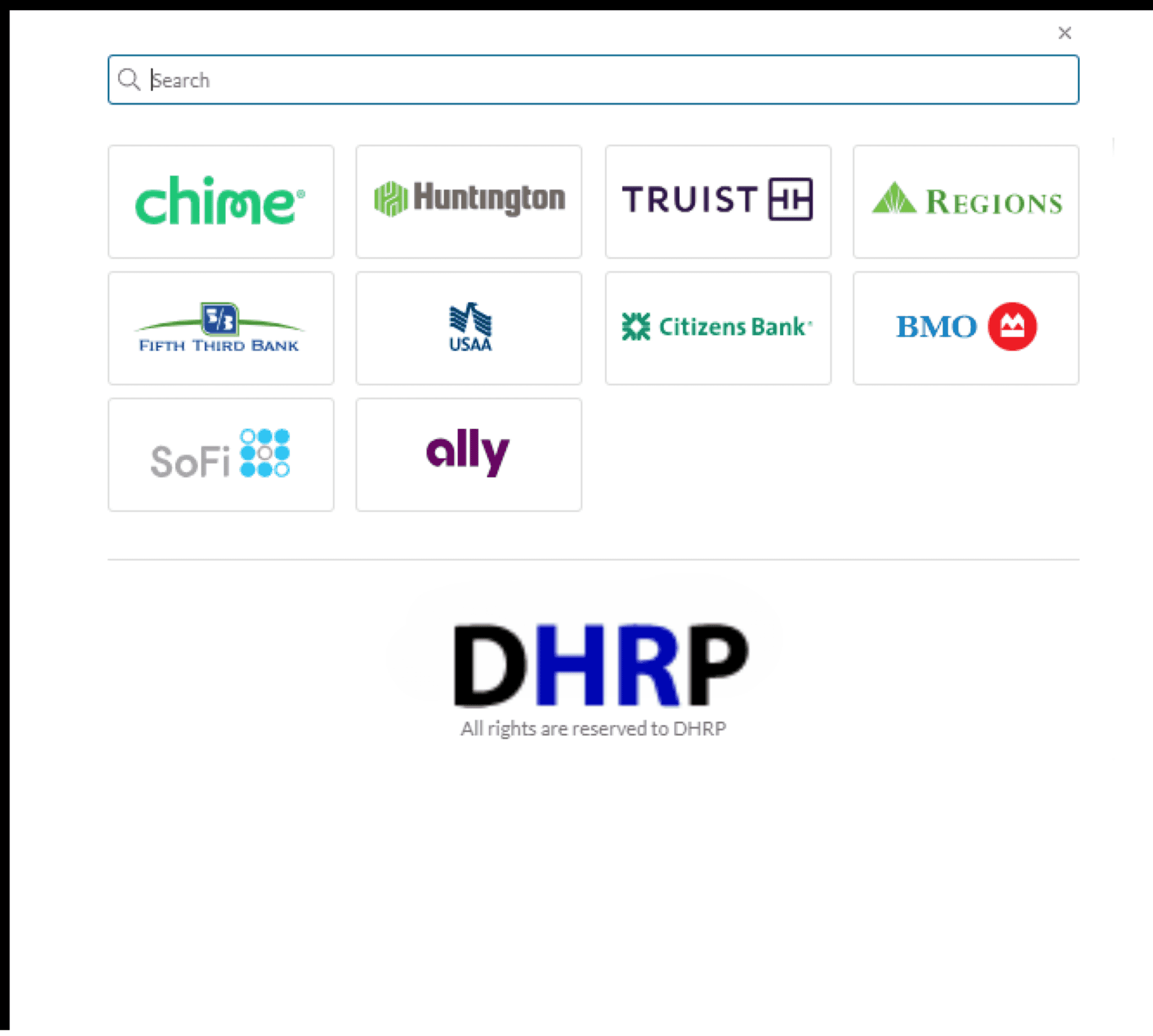
Thanks to DHRP's collaboration with the same provider behind XERO's bank feeds, you can now easily connect with over 32,000 banks worldwide, including Australia , USA, Canada and Middle East, streamlining your financial management and enhancing your business operations within Dynamics 365.
Dynamics 365 is a system that helps make everyday tasks easier and gives you a clearer picture of your finances without getting in trouble with banking industry complexes. But there's one thing to keep in mind: it can't directly link to an online bank account. Are you tired of spending months integrating your bank statements with your business software? Do manual payments and bank statement reconciliations take up too much of your time?
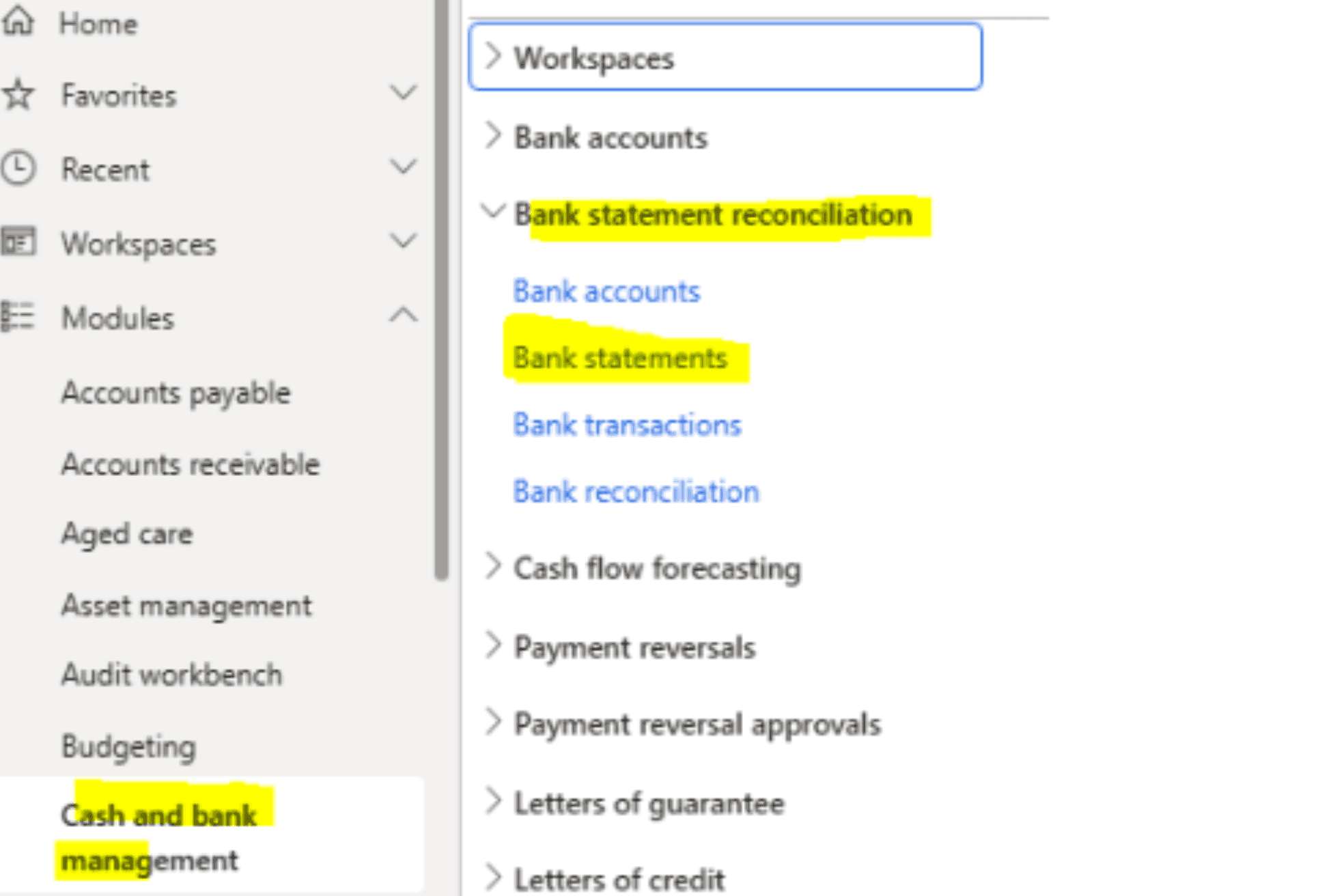
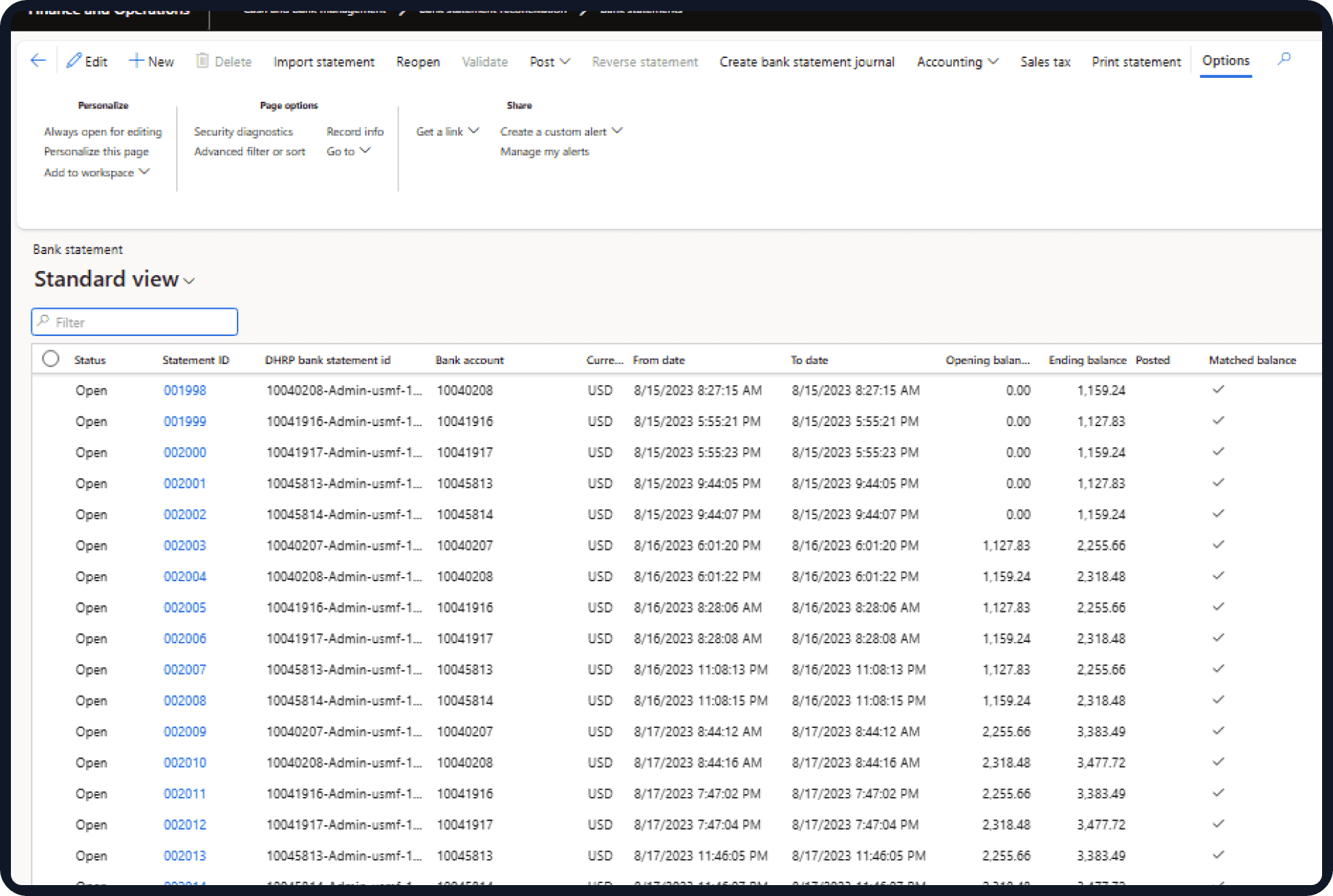
Integrate the bank connector to Dynamics 365, link all the bank accounts and bank transfers easily, and import bank statements daily through automation. Our Dynamics 365 Banking connector also offers seamless bank account reconciliations. To access this feature, follow through Cash and Bank Management -> Bank Statement Reconciliation -> Bank Statements. This intuitive pathway ensures that you can easily and efficiently access and reconcile your bank statements, allowing you to maintain a high level of control and accuracy in your financial operations. You can also automate routine reconciliation tasks, minimising manual effort and significantly reducing the risk of errors. This streamlined approach empowers your finance team to focus on more strategic and value-added activities that drive business growth.

Dynamics 365 is a system that helps make everyday tasks easier and gives you a clearer picture of your finances without getting in trouble with banking industry complexes. But there's one thing to keep in mind: it can't directly link to an online bank account. Are you tired of spending months integrating your bank statements with your business software? Do manual payments and bank statement reconciliations take up too much of your time?
With the business operations already running in your mind, account records and troubles are the last thing you want. So, you'll still need to make payments and get bank statements manually. Therefore, DHRP offers a Banking Connector in Dynamics 365 FinOps to make banking services smooth and easy for your company.
Dynamics 365 Banking Connector eases bank integration in Dynamics 365. It is a user-friendly alternative to the complex electronic reporting process. Unlike electronic reporting, which requires intricate configuration and takes time, DHRP banking integration is straightforward and easy to manage. DHRP Banking Integration is based on two things: the .Net Side Application and the D365FO Side, which combine to offer banking user data easily, including send payment remittances via Dynamics 365 . This integration not only saves valuable time but also reduces the chances of errors, ensuring that your financial data is accurate and reliable. With real-time synchronization, you can make faster and better-informed financial decisions.
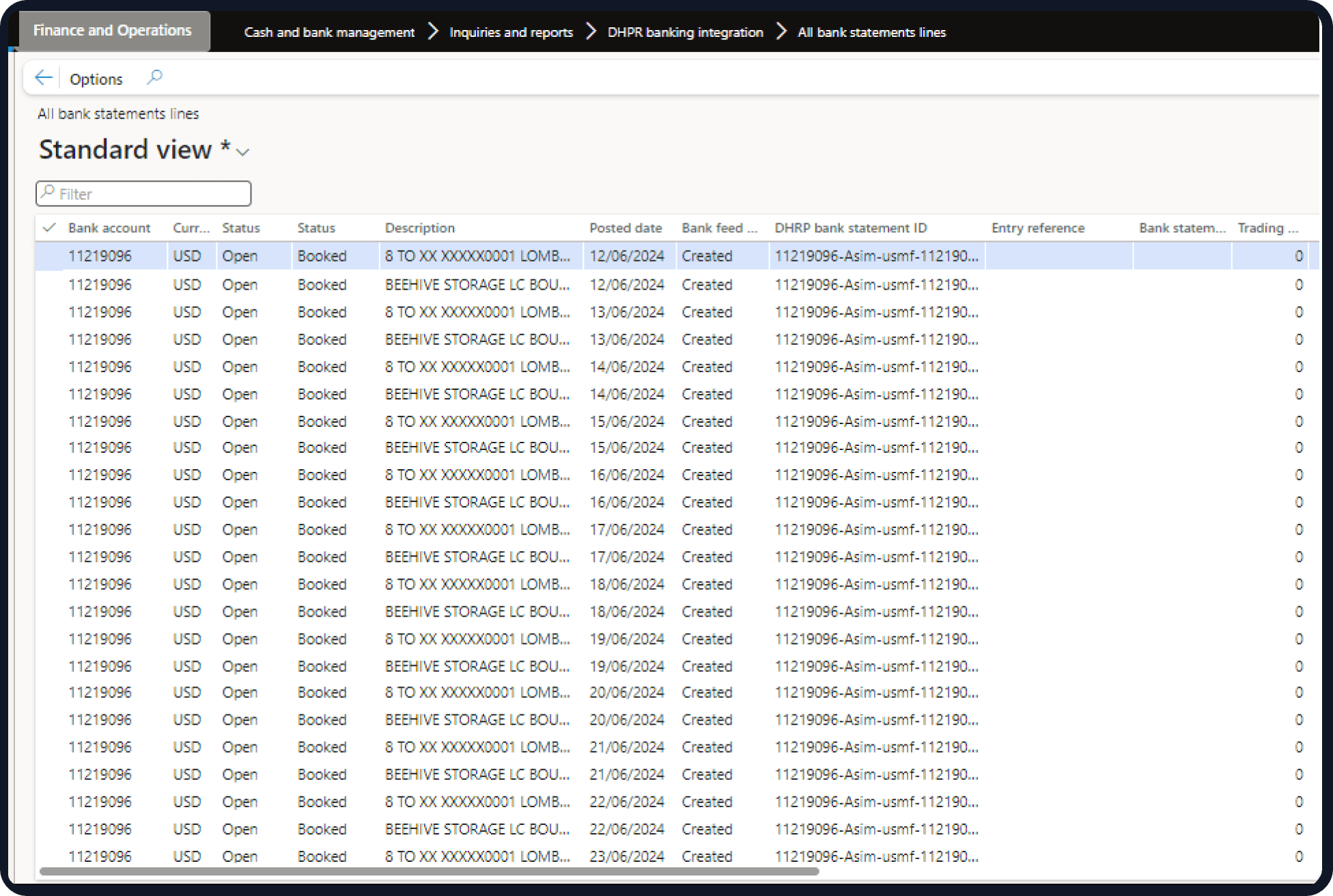
Within the DHRP module for Dynamics 365 Banking Connector, you can find the setup of two automated tasks, known as batch jobs, to fetch data without manual intervention:
Dynamics 365 Solutions
This feature eliminates the requirement for manual data input, streamlines processes, and reduces human error in financial transactions.
This feature eliminates the requirement for manual data input, streamlines processes, and reduces human error in financial transactions.
Whether users prefer manual data entry or automatic synchronisation, this feature offers versatility to cater to different workflow preferences.
By automating payment reconciliation tasks, this functionality enhances both the speed and precision of the reconciliation process, ensuring financial records align accurately.
It is compatible with a wide array of financial institutions, accommodating diverse banking needs and ensuring maximum user flexibility and convenience.
Users can access real-time data on bank transactions directly from their Dynamics 365 Finance and Operations platform, facilitating informed decision-making.
Businesses can delegate payment reconciliation to an accountant, granting them secure access to bank statements for efficient and reliable financial management.
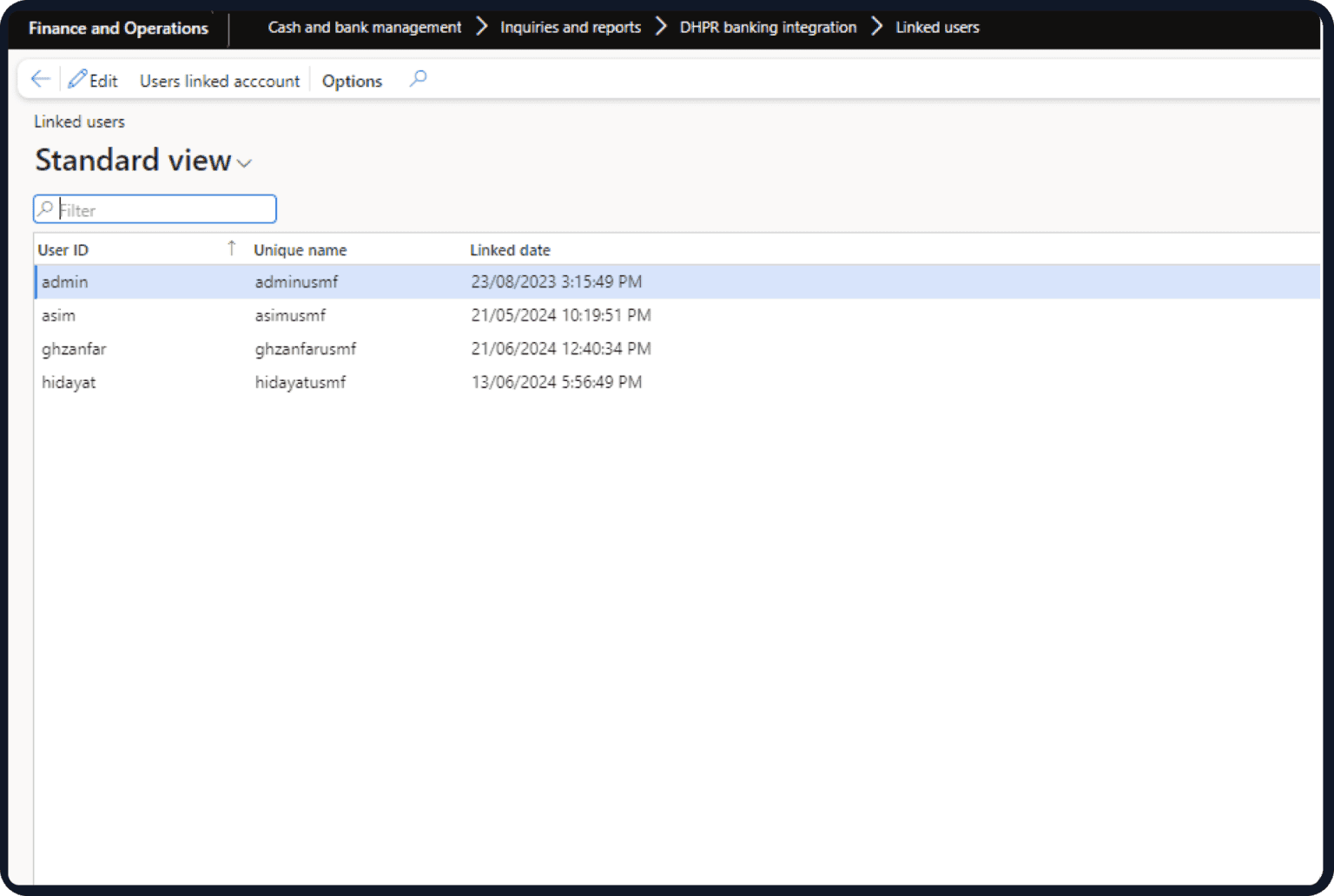
Managing multiple bank accounts can be a hassle and disrupt your workflow. Are you facing delays and errors due to manual banking processes? Many companies struggle to integrate their banking data with their financial systems, leading to delayed insights and cumbersome reconciliation processes. The DHRP Banking Connector for Dynamics 365 resolves these challenges by seamlessly connecting with thousands of banks worldwide. Automate bank feeds, synchronise transactions in real-time, and gain accurate financial insights, all within Dynamics 365. Let DHRP streamline your banking operations and enhance your business's financial management. Just a few clicks, and you can automate the banking process. Save time and improve the accuracy of the data by keeping it accessible in real-time. Moreover, send and receive payment messages swiftly. Want to integrate it into Dynamics 365 now? Let the DHRP team ease the process for you.
Managing multiple bank accounts can be a hassle and disrupt your workflow. Are you facing delays and errors due to manual banking processes? Many companies struggle to integrate their banking data with their financial systems, leading to delayed insights and cumbersome reconciliation processes. The DHRP Banking Connector for Dynamics 365 resolves these challenges by seamlessly connecting with thousands of banks worldwide. Automate bank feeds, synchronise transactions in real-time, and gain accurate financial insights, all within Dynamics 365. Let DHRP streamline your banking operations and enhance your business's financial management.
Just a few clicks, and you can automate the banking process. Save time and improve the accuracy of the data by keeping it accessible in real-time. Moreover, send and receive payment messages swiftly. Want to integrate it into Dynamics 365 now? Let the DHRP team ease the process for you.
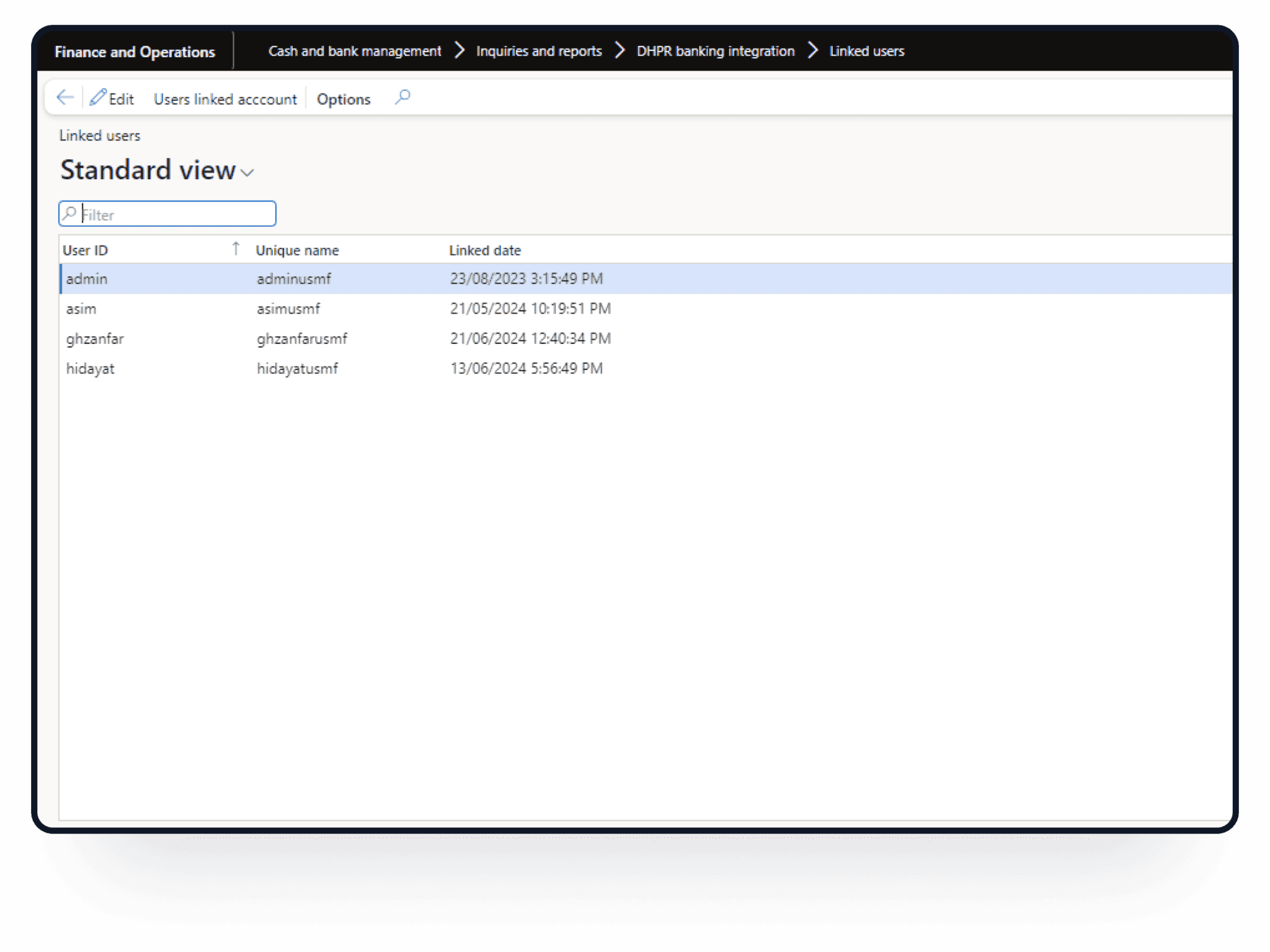
Looking for experts to help you realise the full potential of Dynamics 365 for banking? Let DHRP experts be your partner. Reach out to learn more about the integration of our Dynamics 365 Banking Connector add-on. Experience quick and secure connections to over 32,000 banks worldwide, ensuring your financial operations are smoother and more efficient. Our add-on eliminates the hassle of lengthy integrations, providing convenience.
Ready to Streamline Your Banking Integration? Find out how our Dynamics 365 banking connector can simplify your financial management. Contact us for a personalised demonstration.
This feature eliminates the requirement for manual data input, streamlines processes, and reduces human error in financial transactions.
Whether users prefer manual data entry or automatic synchronisation, this feature offers versatility to cater to different workflow preferences.
By automating payment reconciliation tasks, this functionality enhances both the speed and precision of the reconciliation process, ensuring financial records align accurately.
It is compatible with a wide array of financial institutions, accommodating diverse banking needs and ensuring maximum user flexibility and convenience.
Users can access real-time data on bank transactions directly from their Dynamics 365 Finance and Operations platform, facilitating informed decision-making.
This feature eliminates the requirement for manual data input, streamlines processes, and reduces human error in financial transactions.
Faqs
Still have questions? Our team is happy to help.
Get in touchA banking connector is a software tool that enables seamless integration between financial systems and online bank accounts, allowing users to automate and streamline banking transactions within their business software. The DHRP Banking Connector is a powerful tool designed to bridge the gap between Dynamics 365 and your online bank accounts, offering seamless global connectivity similar to XERO. With this connector, users can link their bank accounts to Dynamics 365 in just minutes, eliminating the need for lengthy integration projects that can take months.
Thanks to DHRP's collaboration with the same provider behind XERO's bank feeds, you can now easily connect with over 32,000 banks worldwide, including Australia , USA, Canada and Middle East, streamlining your financial management and enhancing your business operations within Dynamics 365.
Yes. DHRP can configure workflows, approvals, reporting and integrations around your business requirements.
We'd love to hear from you. Please fill out this form.