Create Customer, Vendor, Employee and Contractor Agreements
Create different agreement types directly in Dynamics 365 Finance & Operations. Customer, vendor, employee, and contractor records can be associated with their relevant agreements.

Collect signatures without waiting for paperwork to move between teams, offices, or customers. DHRP’s Dynamics 365 e-signature add-on for Australia and New Zealand brings document signing into your existing Dynamics 365 environment, making approvals easier to track and complete.
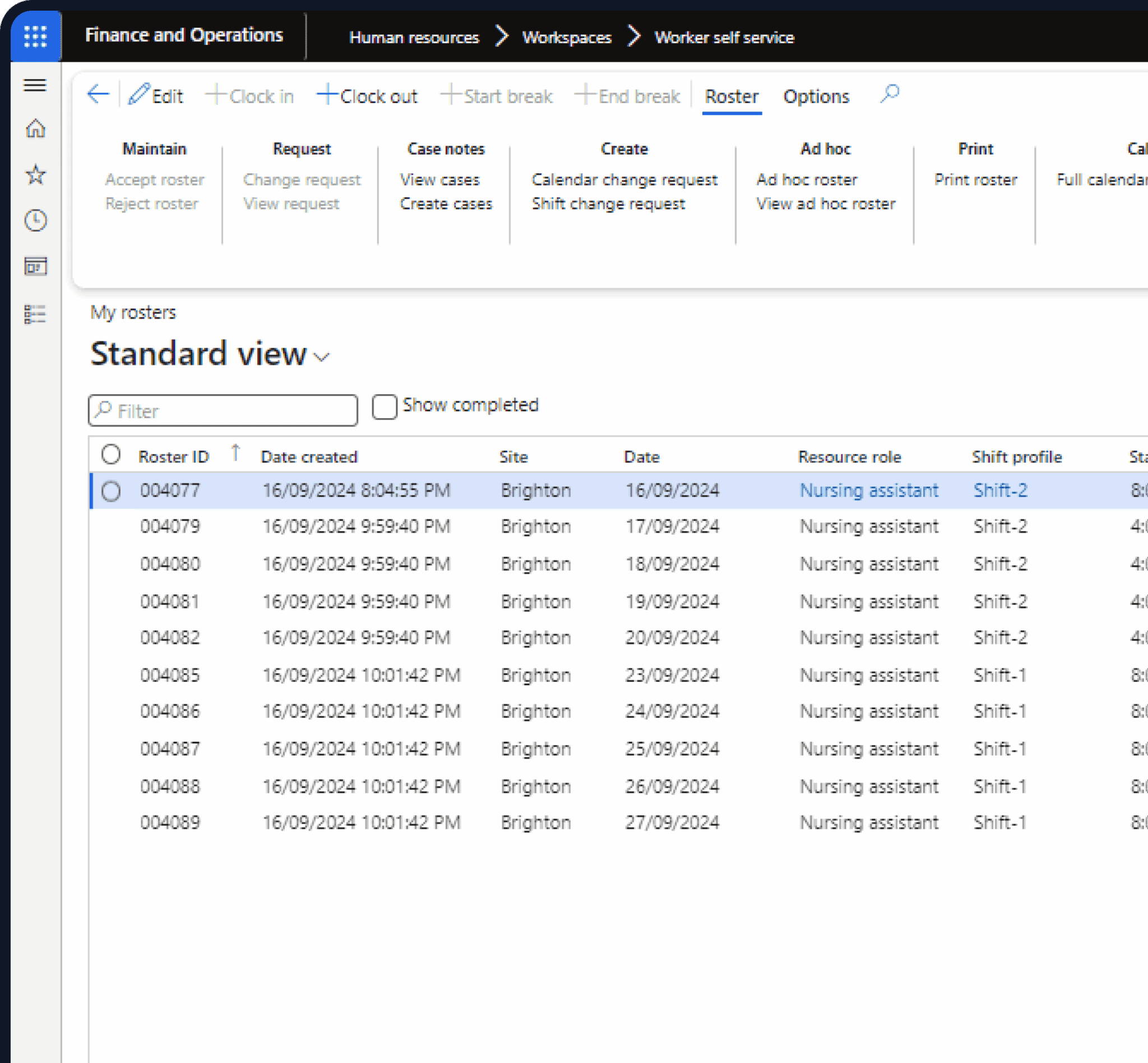






Dynamics 365 Add-Ons
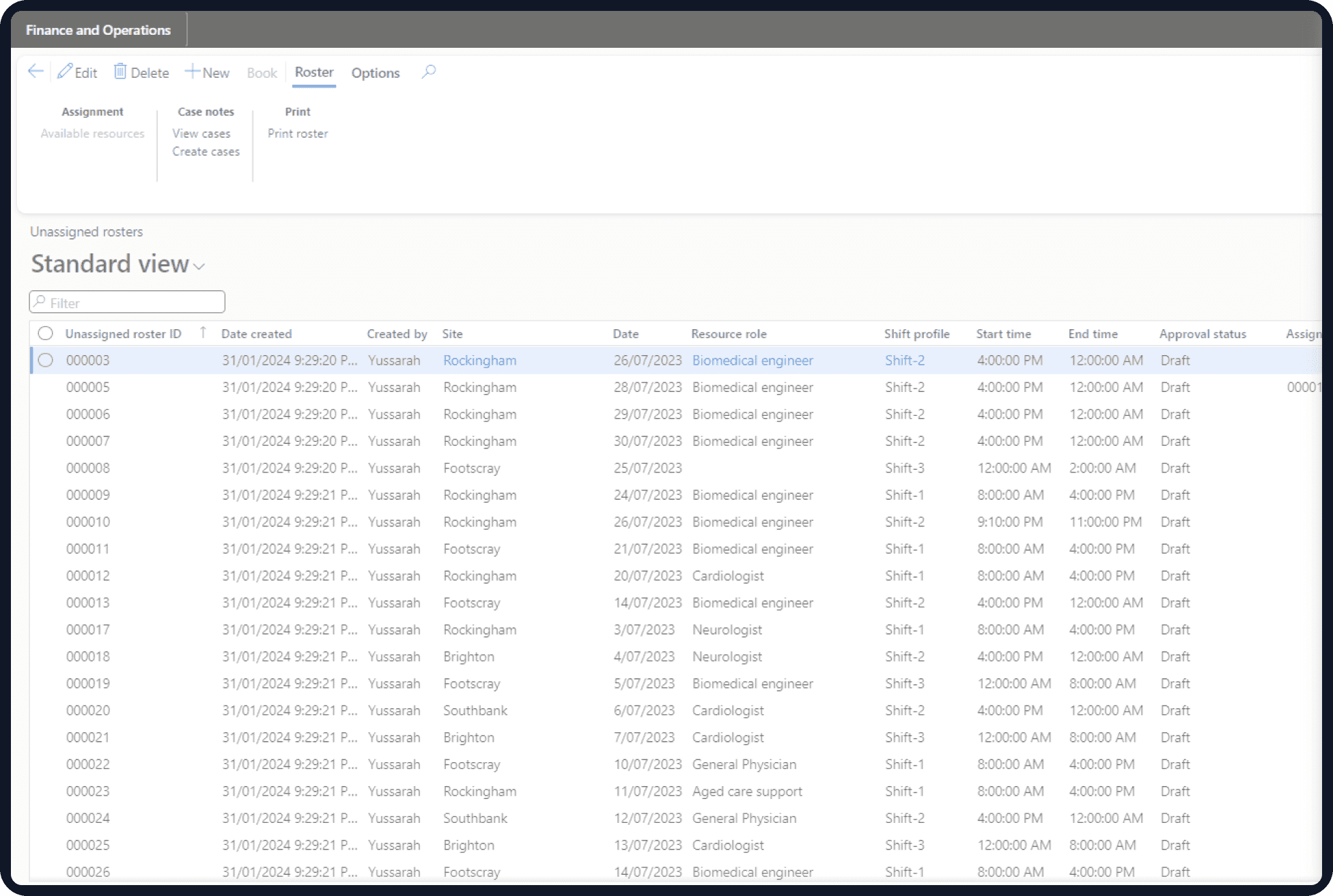
The e-signature add-on for Dynamics 365 lets teams prepare agreements, assign signatories, collect approvals, and track signed documents without relying on separate signing tools for every step.
DHRP supports customer, vendor, employee, and contractor agreements through Dynamics 365 Finance & Operations and HR processes. Teams can use reusable templates, assign internal or external signatories, manage agreement versions, and link completed documents to the relevant D365 records.
The Microsoft Dynamics electronic signature module also supports multi-stage approvals, expiry and renewal management, agreement amounts, document history, and transaction mapping. Finance, HR, procurement, and operations teams can see the status of an agreement without searching through email threads or separate spreadsheets.
For organisations managing a high volume of contracts and business agreements, this means fewer manual checks and a clean record of what has been approved, signed, renewed, or terminated.
DHRP’s Dynamics 365 e-signature add-on gives teams in Australia and New Zealand a practical way to handle signing and agreement administration within D365. Create documents, route them for approval, send them to signatories, and monitor progress from the same business environment.
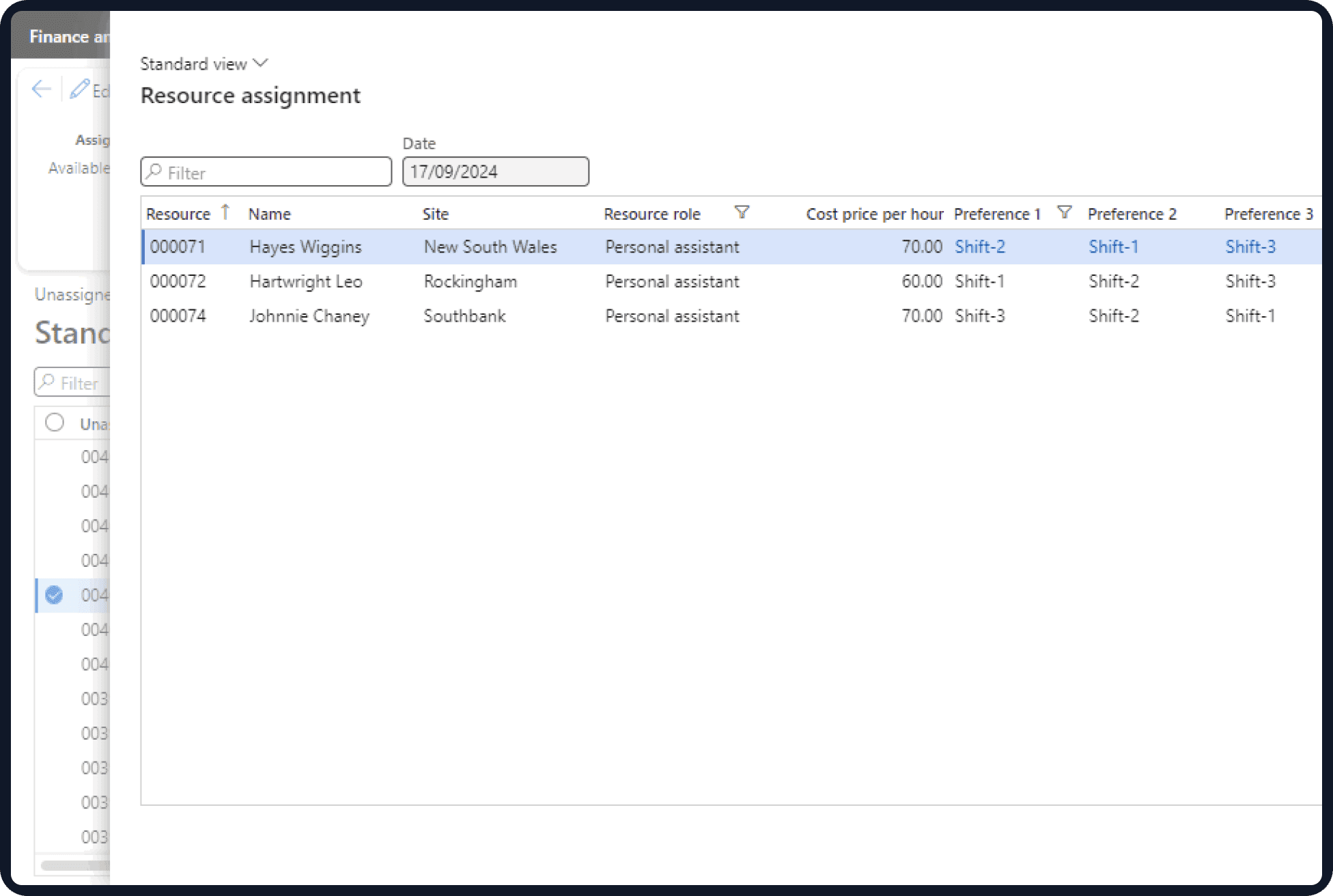
Agreement management becomes difficult when approval status, signed copies, expiry dates, and renewal details sit in different systems. DHRP gives users access to the information needed to follow an agreement from creation through approval and signing.
Managers can review agreement amounts, consumed values, remaining balances, expiry dates, renewal activity, and signatory status. Documents can be sent through email, web, or mobile, while completed agreements remain associated with the relevant customer, vendor, employee, contractor, HR, or finance records. The result is less time spent checking who has signed and more visibility into agreements that still need action.
Printing documents, scanning signed copies, chasing approvals, and updating spreadsheets can add unnecessary work to contract administration. DHRP brings these tasks into your Dynamics 365 processes.
Teams can create agreements in Finance & Operations, send them through Dynamics 365 digital contract approval stages, assign signatories, and monitor the signing process. Renewal requests, expiry notifications, agreement versions, financial alerts, and termination can also be managed as part of the agreement lifecycle.
For finance teams, the add-on can connect agreements with purchase orders, vendor invoice journals, sales orders, and free text invoices. HR teams can use the same capability for employee agreements, HR letters, NDAs, and employment documentation.
Dynamics 365 Solutions
D365 eSign integration in ANZ covers more than collecting a signature. It supports agreement creation, approvals, document templates, signatory management, renewals, financial controls, HR documentation, and transaction tracking across Dynamics 365.
Create different agreement types directly in Dynamics 365 Finance & Operations. Customer, vendor, employee, and contractor records can be associated with their relevant agreements.
Send agreements through defined approval stages before they reach the signatories. This supports different review requirements across departments and agreement types.
Maintain standard HR, NDA, employment, customer, vendor, and department-specific templates. Multiple template versions can be retained for different agreement requirements.
Recipients can access documents through supported digital channels and complete signing without printing or scanning paperwork. This also supports a D365 document signing app use case for teams working across locations.
See the current signature status and retain document processing history. Teams can review recipients, completed actions, pending signatures, and previous agreement activity.
Track agreement values, consumed amounts, remaining balances, and expiry dates. This gives finance teams better control over agreements with financial commitments attached.
Attach or link completed agreements to relevant Dynamics 365 Finance & Operations and Human Resources records. Users can access the signed document alongside the business record it relates to.
Use the add-on for employee agreements, HR letters, NDAs, employment contracts, and other HR documentation. HR teams can retain signing history and related records for future reference.
Move document preparation, approvals, signing, and agreement tracking into your Dynamics 365 environment. DHRP helps finance, HR, procurement, and operations teams cut down on printing, scanning, email follow-ups, and manual status updates.
Create agreements, assign signatories, route approvals, and monitor outstanding actions without maintaining separate trackers for each document. Customers, vendors, employees, and contractors can receive documents through supported digital channels while managers retain access to agreement status and history.
Replace scattered contract files and email-based approval chains with D365 secure esignature workflow capabilities built around your existing business processes.
DHRP connects electronic signing with agreement administration, Finance & Operations transactions, HR documentation, approvals, renewals, and document history.
Manage customer, vendor, employee, and contractor agreements alongside the business records they relate to. Standard and department-specific templates make recurring documents easier to prepare.
Route agreements through defined approval stages and assign the required signatories without relying on separate email chains to coordinate every step.
Track amounts, consumed values, balances, expiry dates, renewals, and termination activity so finance and operations teams can act on agreements before issues arise.
Use electronic signatures alongside Finance & Operations transactions and HR documentation. This supports D365 HR e-signature integration ANZ requirements where employee and HR agreements form part of wider business processes.
Keep signed documents, versions, recipients, approval activity, and processing history available against the relevant agreement records.
Send agreements through email, web, and mobile channels so customers, vendors, employees, and other signatories do not need to return physical paperwork.
DHRP provides a Microsoft D365 digital signature partner ANZ solution for organisations that want electronic signing tied directly to their Dynamics 365 agreement and business processes.
The add-on supports customer, vendor, employee, and contractor agreements, along with HR letters, NDAs, employment contracts, and other business documents. Teams can create reusable templates for agreements they handle regularly and set up department-specific formats where requirements differ. This helps reduce repeated document preparation and keeps commonly used agreement formats consistent.
Yes. DHRP supports multi-stage approval workflows and multiple internal or external signatories. Organisations can define the review and signing stages an agreement needs to pass through, from internal approval to the final signature. Teams can also track pending approvals and signatures, making it easier to identify outstanding actions and avoid delays caused by manual follow-ups.
DHRP supports electronic signing processes within Dynamics 365. However, the legal recognition of an electronic signature depends on the applicable jurisdiction, document type, and circumstances of signing. Organisations using legally binding eSign Dynamics 365 workflows should check the legal and regulatory requirements that apply to their agreements in Australia or New Zealand.
Yes. Teams can record expiry dates, manage renewals, submit renewal change requests, and terminate agreements when required. Configurable notifications can alert relevant users about upcoming expiry dates and renewal actions. For finance, procurement, and HR teams handling agreements with different terms, this makes it easier to plan ahead instead of relying on manual date tracking.
Yes. DHRP supports agreement-to-transaction mapping for purchase orders, vendor invoice journals, sales orders, and free text invoices. Teams can also associate agreements with open financial documents and update agreement IDs on relevant posted customer and vendor transactions. This gives finance teams a better way to trace financial activity back to its associated agreement and access the relevant contractual records.
| Sr | E-SIGN AND AGREEMENTS CYCLE | DHRP’s Add-On |
|---|---|---|
| 1 | Create Customer Agreement in D365 Finance & Operations | ✓ |
| 2 | Create Vendor Agreement in D365 Finance & Operations | ✓ |
| 3 | Create Employee Agreement in D365 Finance & Operations | ✓ |
| 4 | Create Contractor Agreement in D365 Finance & Operations | ✓ |
| 5 | Centralized E-Sign Portal for Document Preparation and Sharing within D365 Finance | ✓ |
| 6 | Standalone Electronic Signatures (E-Sign) Portal | ✓ |
| 7 | Agreement Management with Approval Workflows | ✓ |
| 8 | Manage Agreement amounts, expiry dates renewals in D365 Finance & Human Resource | ✓ |
| 9 | Manage Amounts consumed and remaining from the Agreements | ✓ |
| 10 | Attach, link Signed documents, agreements within D365 Finance & Human Resources | ✓ |
| 11 | Multi-Stage Approval Workflow Management | ✓ |
| 12 | Add organisational internal and external Signatories for Electronic signatures | ✓ |
| 13 | Bulk Signatory Data Import and Management | ✓ |
| 14 | Secure Document Attachments and Electronic Signatures through email, Web, mobile | ✓ |
| 15 | Real-Time Signature Status and Document History Tracking | ✓ |
| 16 | Maintain Agreement templates with multiple versions, which can be reused again and again | ✓ |
| 17 | Manage HR complaince by sending HR letters to employees through E Sign to have full tracking and history of the documentation | ✓ |
| 18 | Compile, Track Audit Trial of all the documents processing and history | ✓ |
| 19 | Automated Agreement Expiry and Renewal Notifications | ✓ |
| 20 | Manual Agreement Termination and Lifecycle Management | ✓ |
| 21 | Integrated Activity, Task, and Meeting Management | ✓ |
| 22 | Standardized HR, NDA, and Employment Contract Templates | ✓ |
| 23 | Integrated Contract Tracking with E-Signature Integration | ✓ |
| 24 | Financial & HR Agreement Administration | ✓ |
| 25 | Customer and Vendor Agreements Status, Expiries, Approved, consumed and Balance Tracking | ✓ |
| 26 | Cross-Module Agreement-to-Transaction Mapping (Purchase Orders, Vendor invoice Journals, Sales Orders, Free Text Invoices) | ✓ |
| 27 | Bulk Agreement Association for Open Financial Documents | ✓ |
| 28 | Update Agreement Id on already posted customer and vendor transactions in D365 Finance | ✓ |
| 29 | Department-Specific Signatory Templates | ✓ |
| 30 | Agreement Versioning and Renewal Logging | ✓ |
| 31 | Automated Financial Overrun Controls and Alerts | ✓ |
| 32 | Customizable Agreement Communication Email Templates | ✓ |
| 33 | Agreement Renewal Change Request Workflows | ✓ |
We'd love to hear from you. Please fill out this form.